
The Daily Timesheets & LEM Reports workflow provides multiple ways for teams to capture
daily job site activity. It includes both team-based and individual timesheet formats, allowing
flexibility based on crew structure and reporting preferences.
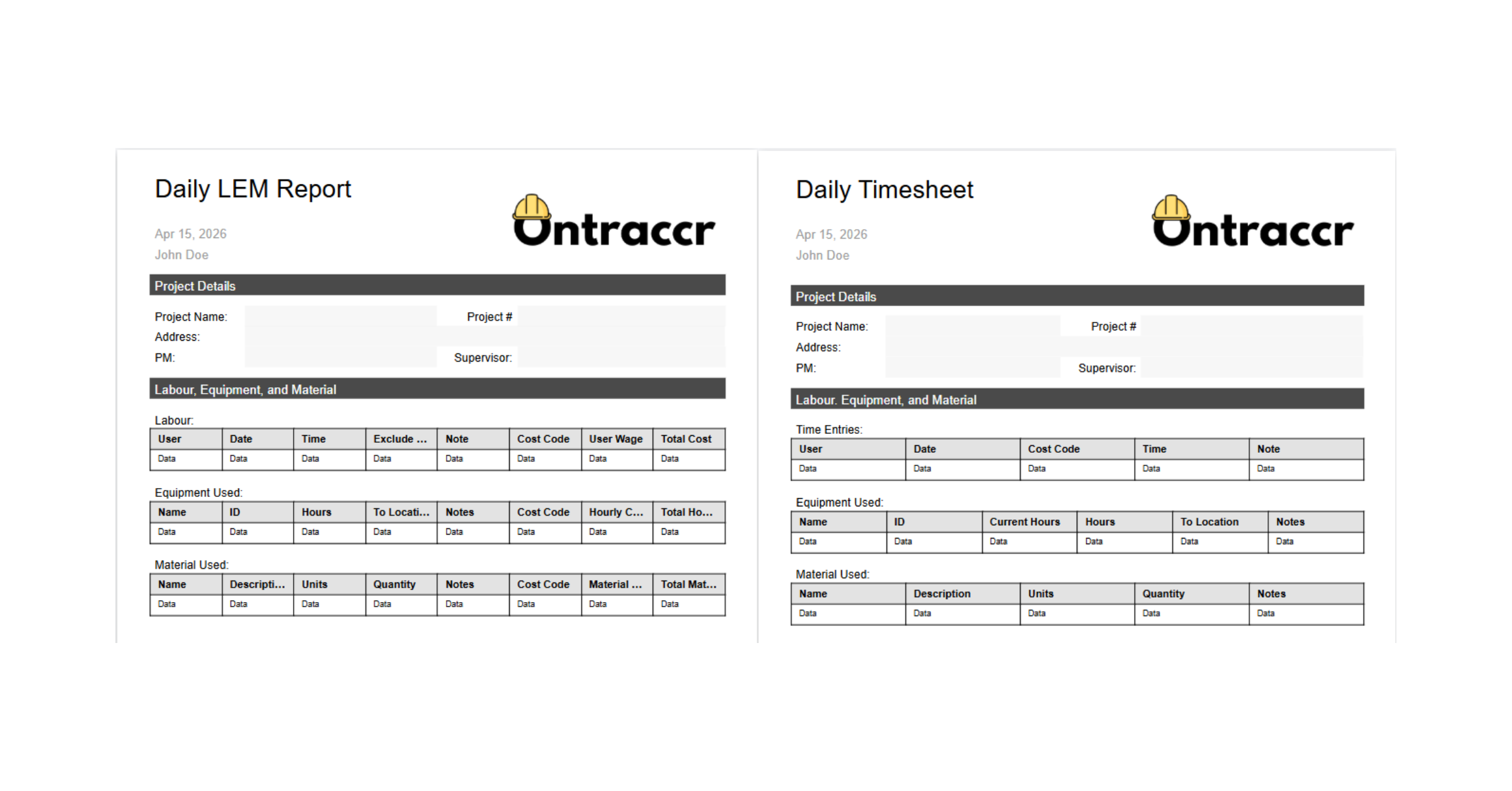
For companies requiring detailed tracking of labor, equipment, and materials, the workflow
includes LEM reports that automatically pull data from timesheets. This ensures accurate
and consistent reporting without duplicate data entry.
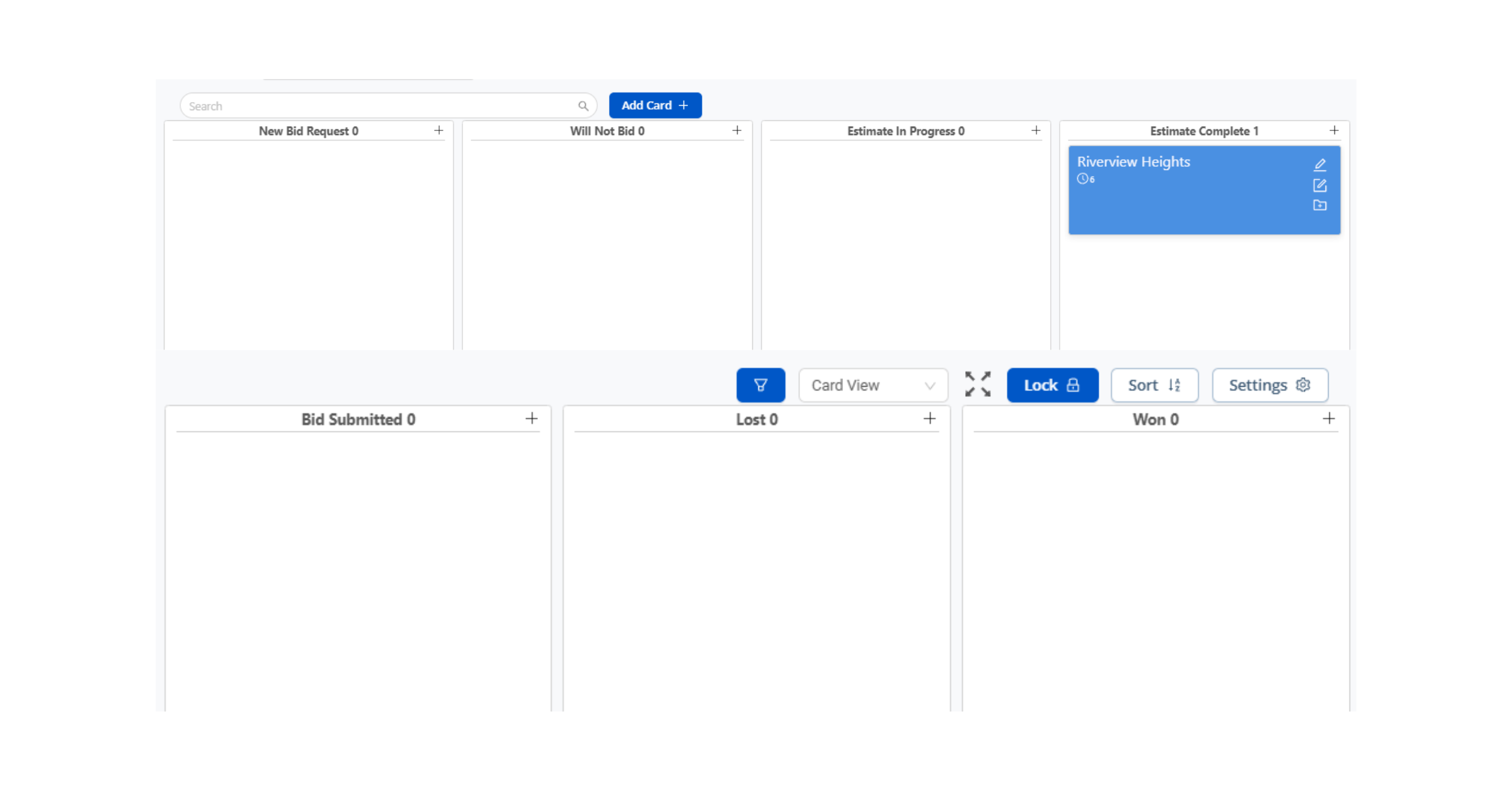
The included grid view option provides a familiar interface for civil contractors, making it easy
to review and approve daily production data.
Want to view our Daily Timesheets and LEM Workflow checklist?
Get the free PDF guide sent to your inbox.

Automations Included
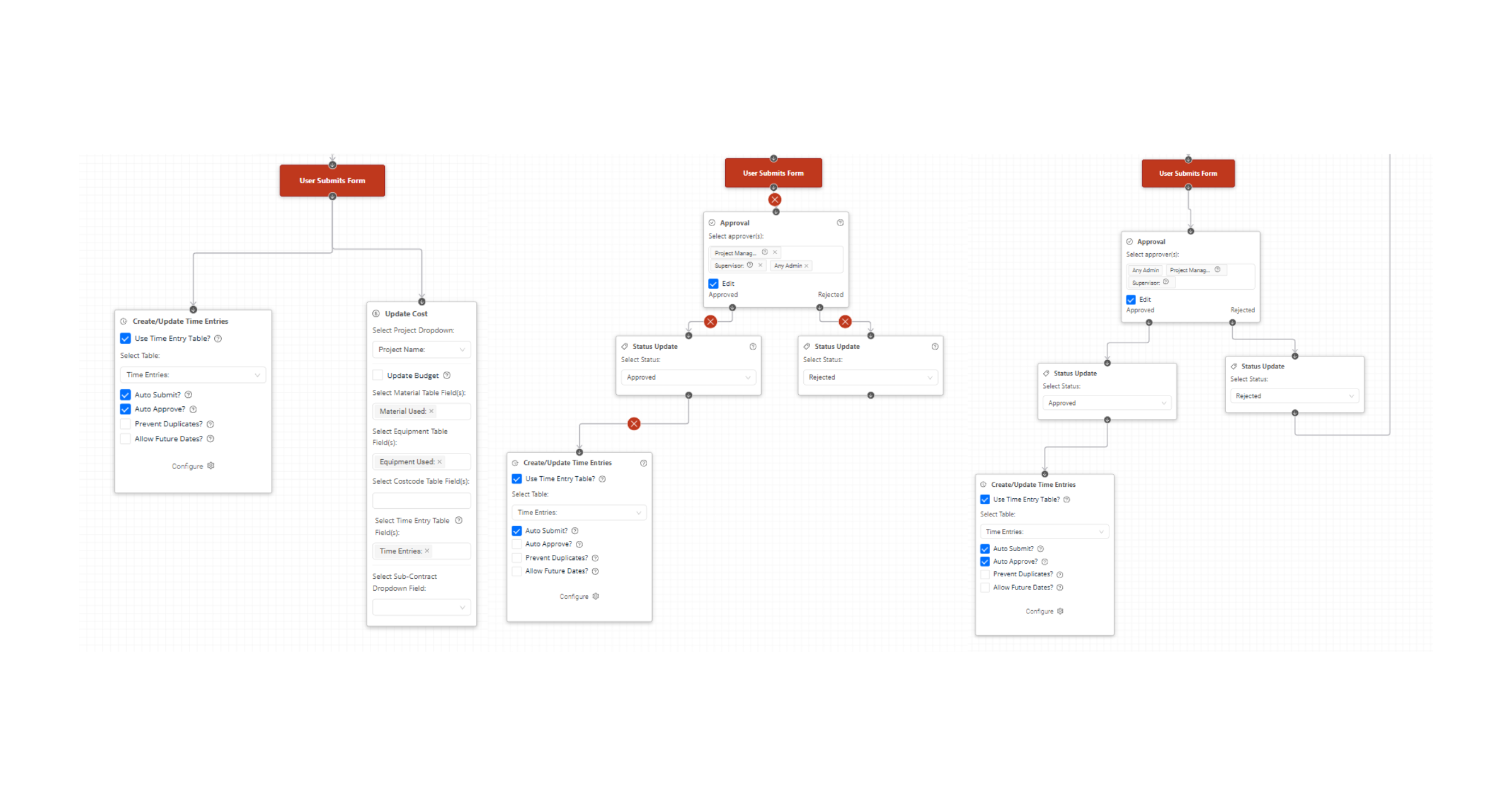
- Auto-populate LEM reports from timesheet data
- Auto-route submissions to Project Manager or Supervisor for approval
- Auto-organize entries by project and date
Common Use Cases
- Track daily labor hours across crews or individuals
- Capture equipment and material usage for job costing
- Generate standardized daily reports for project tracking and billing
Optional Customization Notes
- Customize forms for union vs non-union workflows
- Adjust approval flows by project or team
- Modify LEM format to match reporting standards
View our full article on How to Track Labor, Equipment and Materials in Construction